
How To: Create and Send a One-Off Invoice
Edited
One-off invoices are for getting payment for previous billing cycles or billing issues.
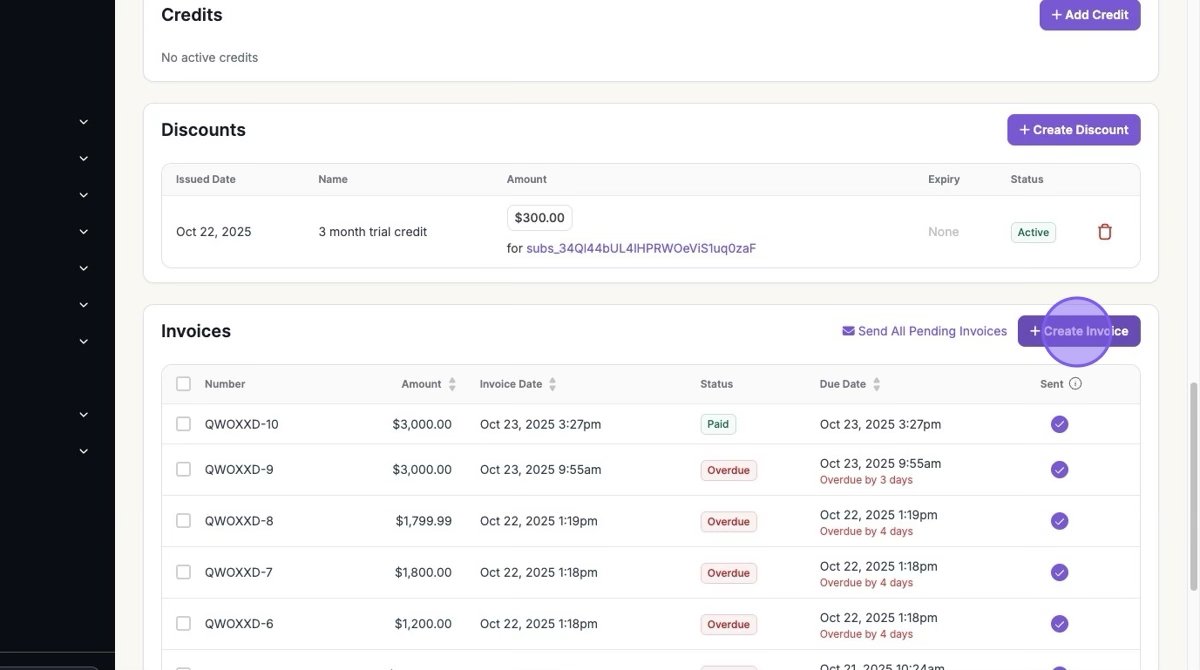
1. Click Customers > Select Customer > "+ Create Invoice"
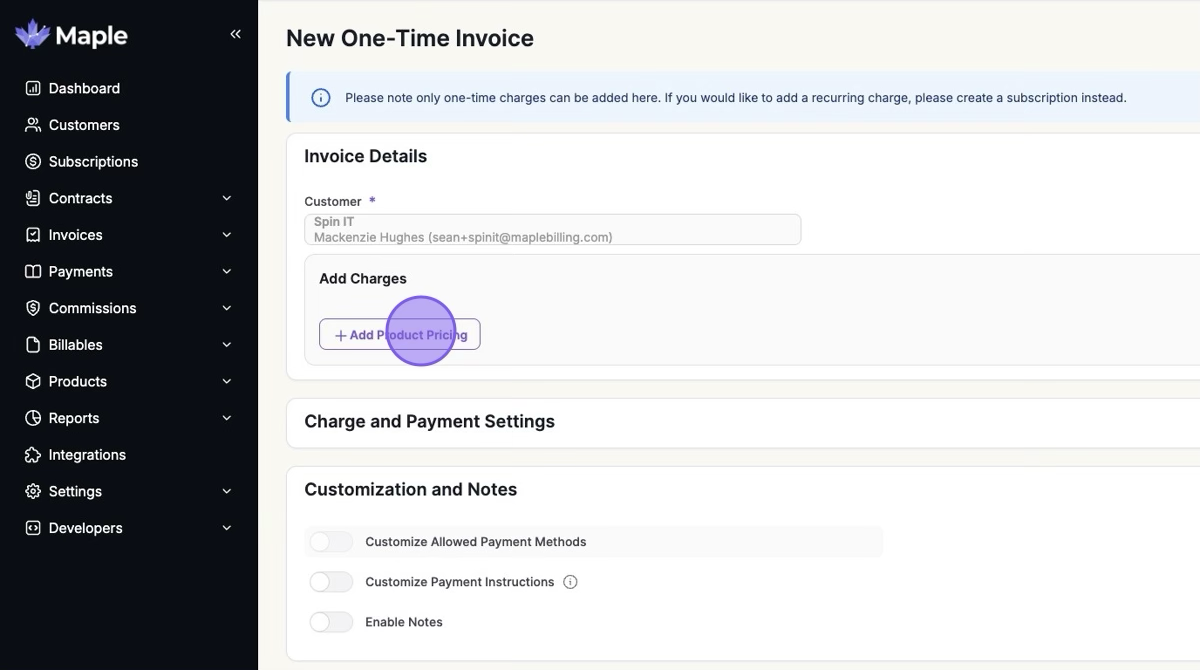
2. Click "Add Product Pricing"
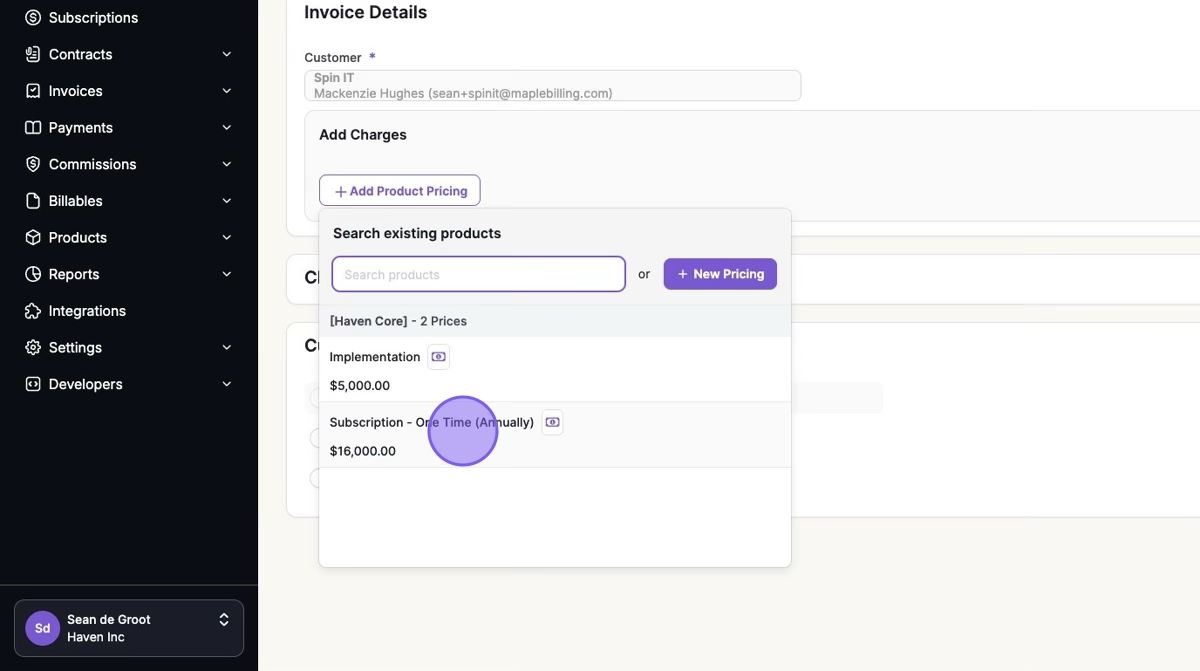
3. Select your Product Pricing
Pricing needs to be one-time pricing and not recurring.
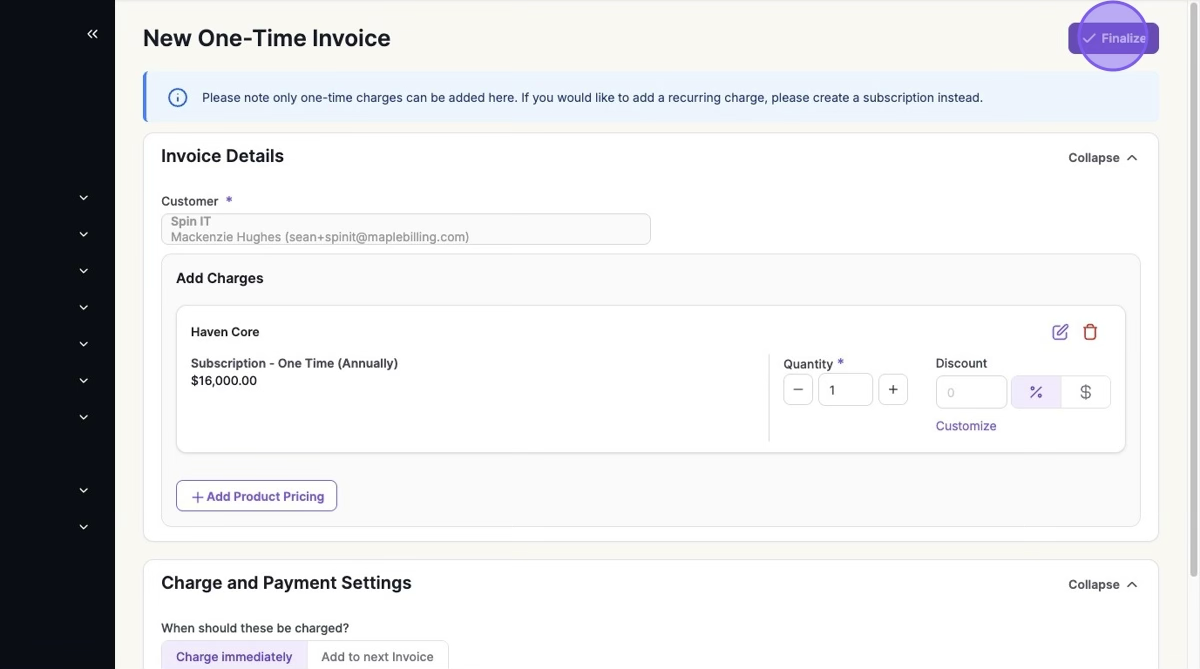
4. Click "Finalize"
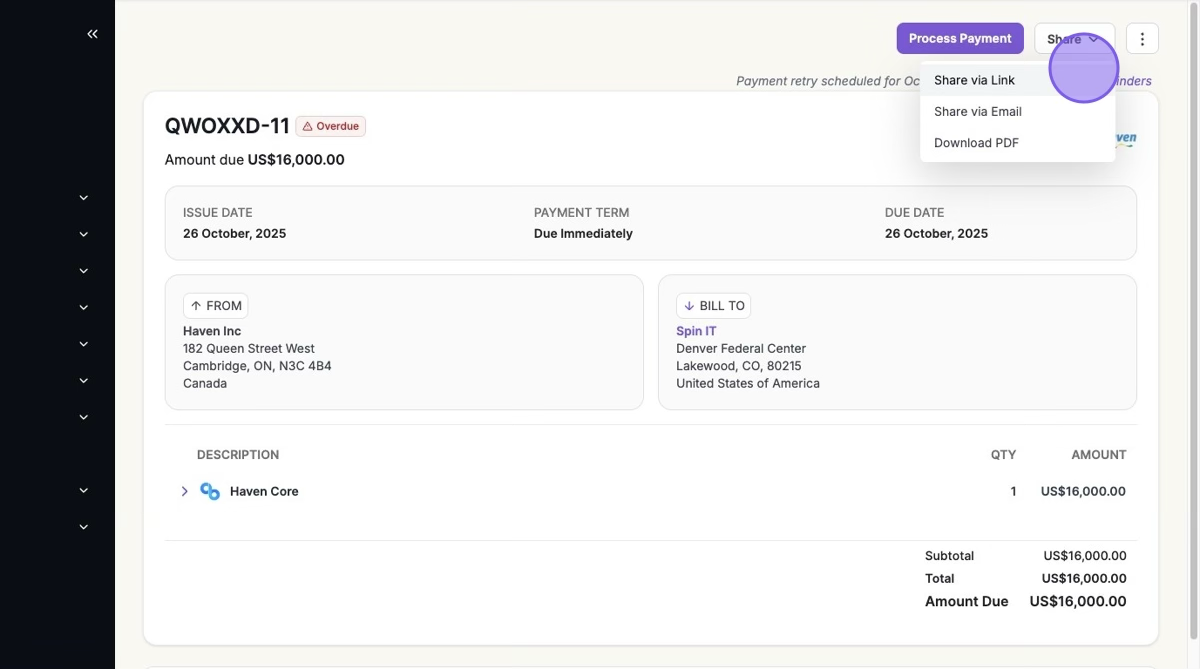
5. Select the Invoice > "Process Payment" if you have a method on file or "Share"
Was this article helpful?
Sorry about that! Care to tell us more?