
How To: Update your Payment Method as a Customer
Edited
Customers can add new payment methods and update their default payment method for automatic payments. Once you are on the Customer Portal:
1. Click "Add Payment Method"
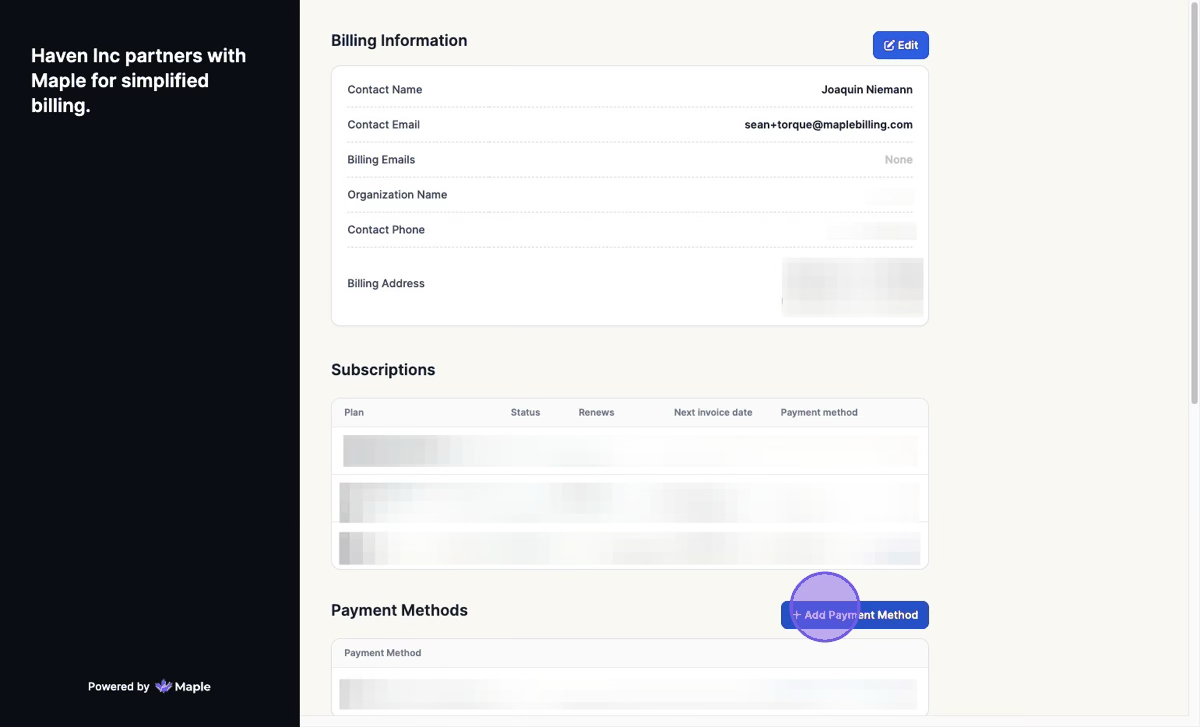
2. Fill in Payment Details > Click "Add Payment Method"

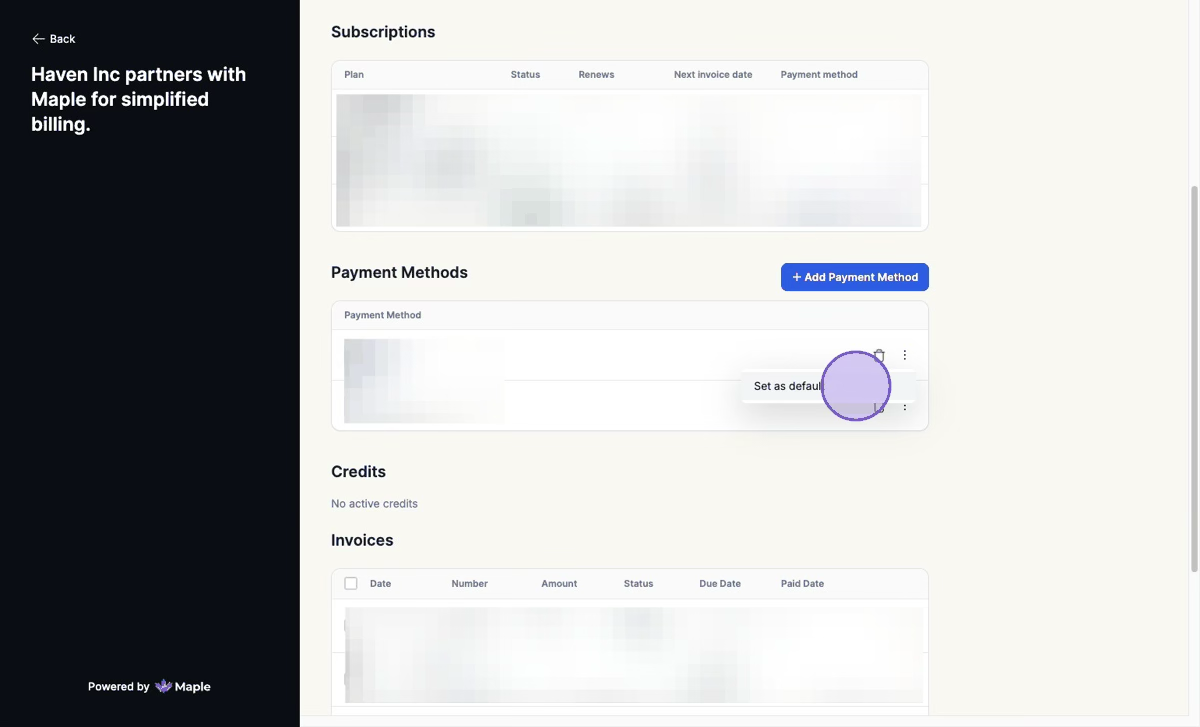
3. Click Three Dot Menu > Click "Set as default" to make it the Default Payment Method
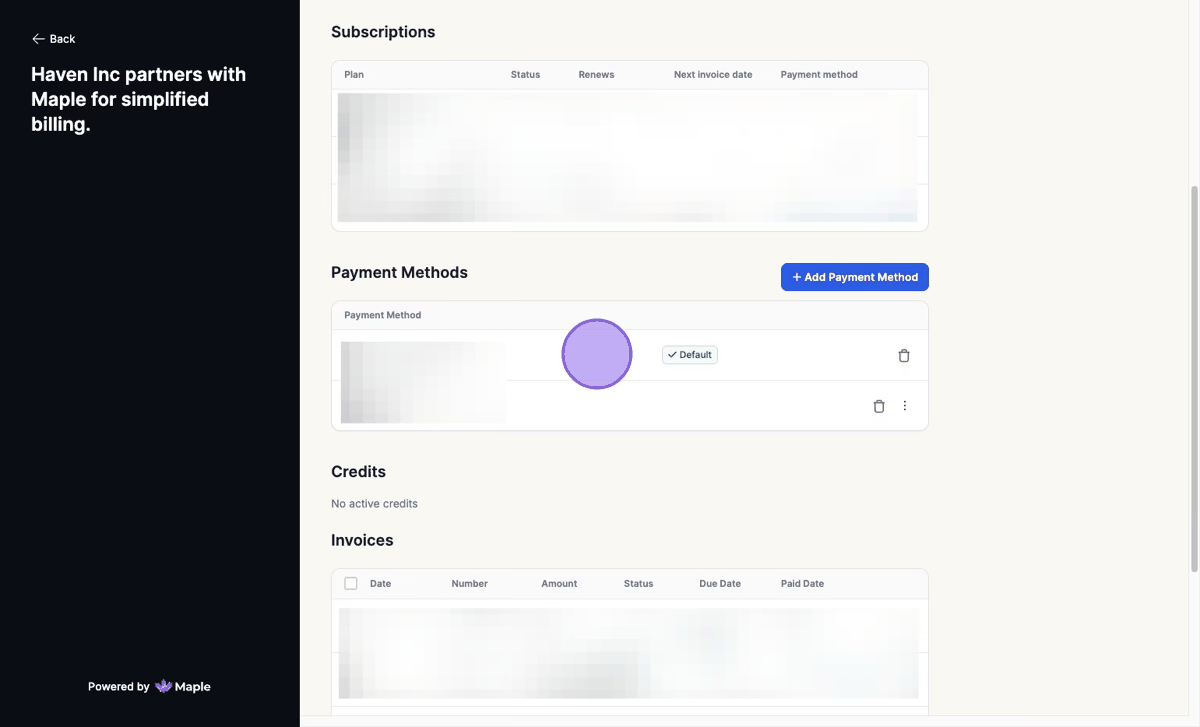
This payment method will now be the default for automatic payments going forward.
Was this article helpful?
Sorry about that! Care to tell us more?