
How To: Update Contract Custom Variables
Edited
Variables allow you to customize your contract template and fill in information that will need to be provided upon contract signing.
Company Variable: Filled out by the Maple user upon contract creation.
Customer Variable: Filled out by the customer upon contract signing.
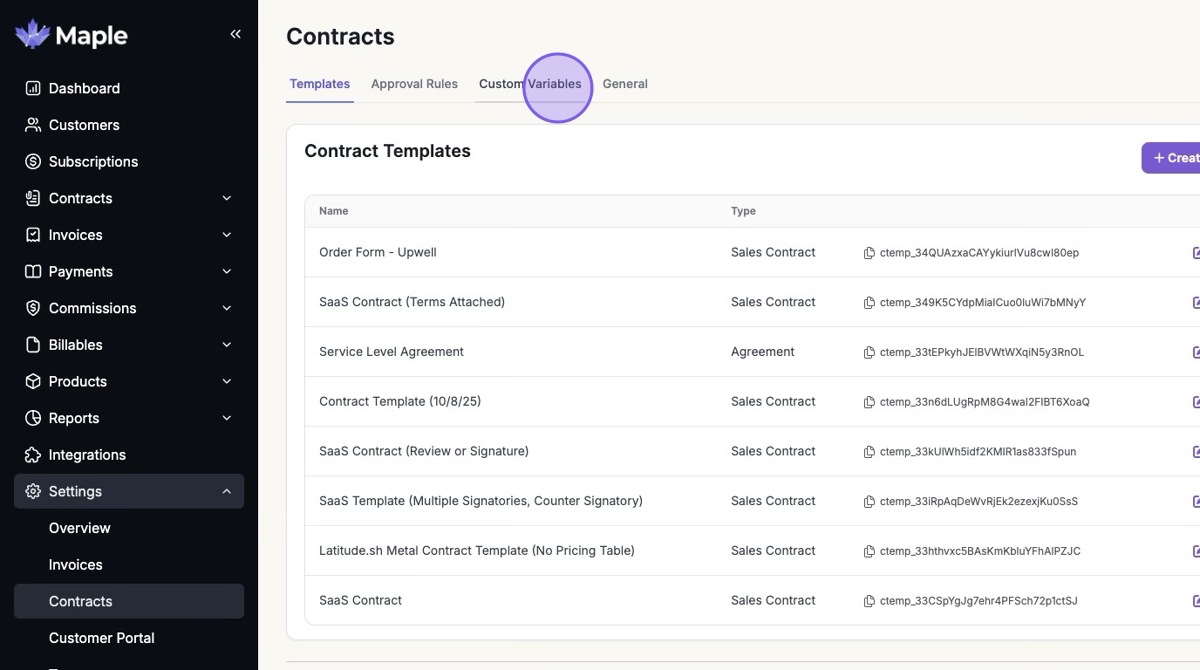
1. Click Settings > Contracts > "Custom Variables"
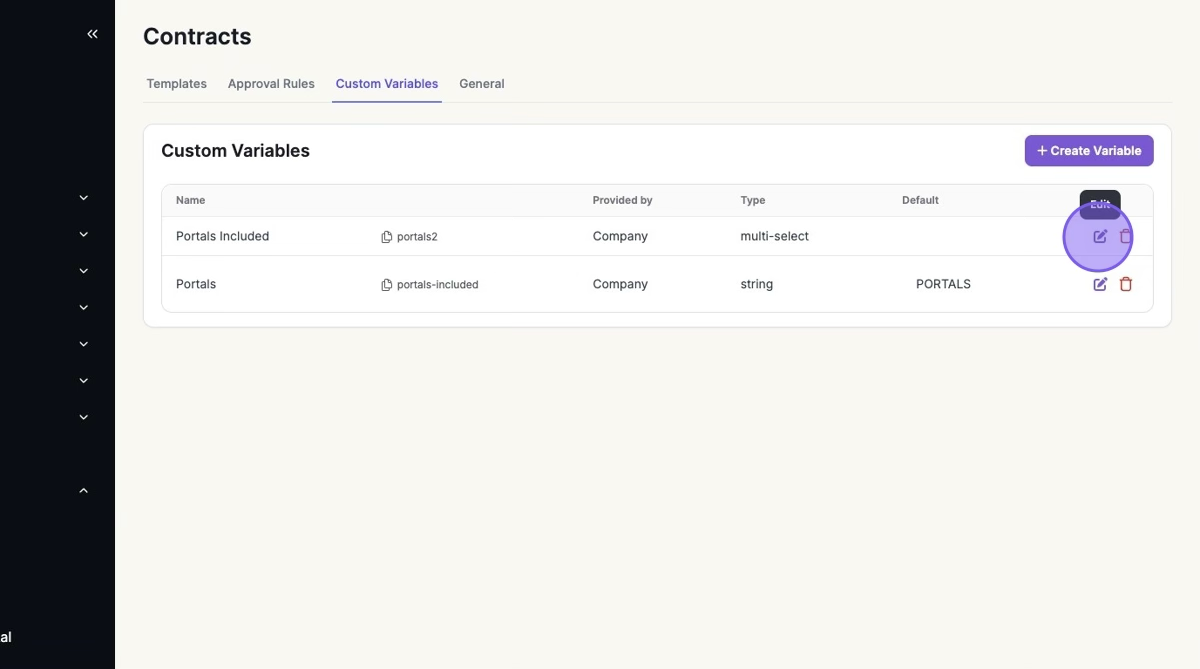
2. Click the Pencil Icon on the Variable you want to Edit
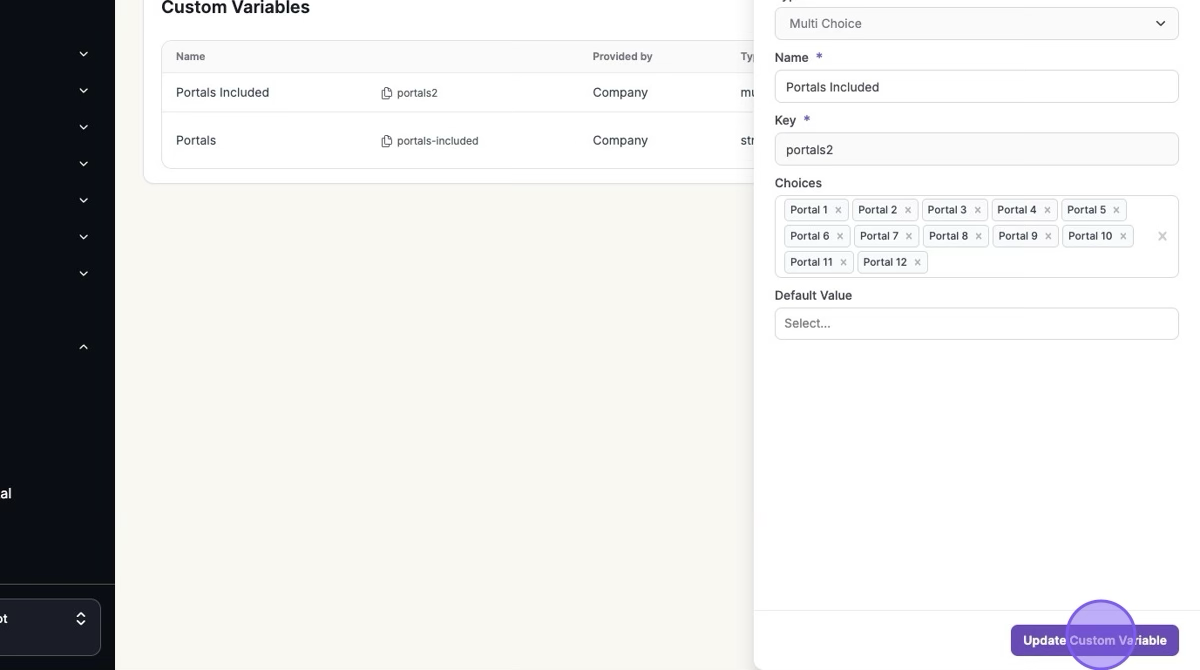
3. Make Edits > Click "Update Custom Variable"
Was this article helpful?
Sorry about that! Care to tell us more?