How To: Connect the HubSpot Integration
Maple supports a deep integration with HubSpot to support your sales workflows.
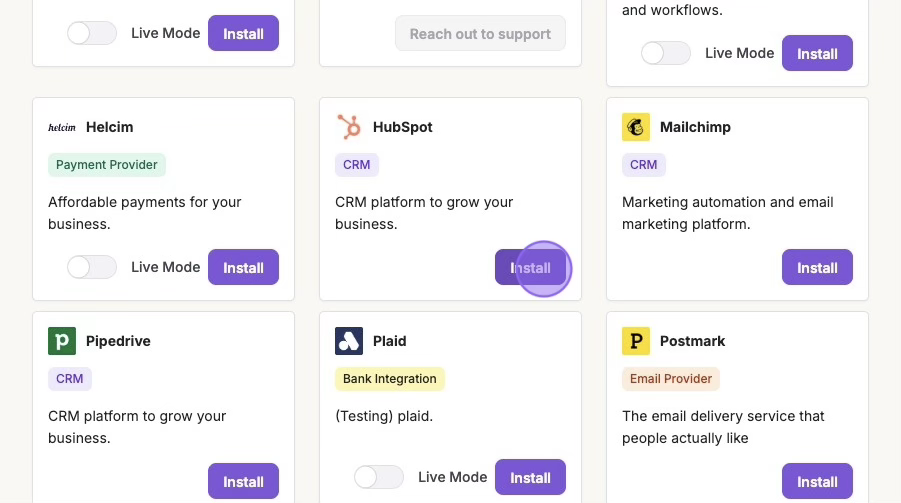
1. Integrations > "Install" (Hubspot)
To get started with the HubSpot integration, select Hubspot from the Integrations page under Available Apps.
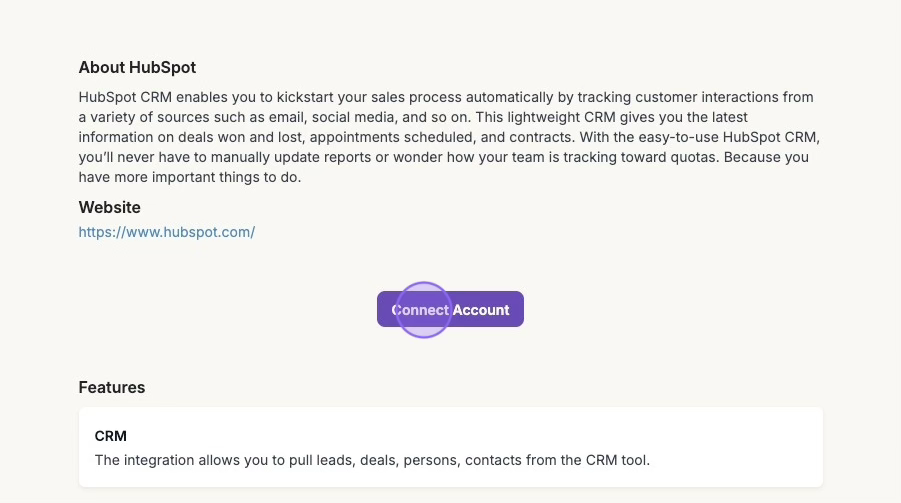
2. Click "Connect Account"
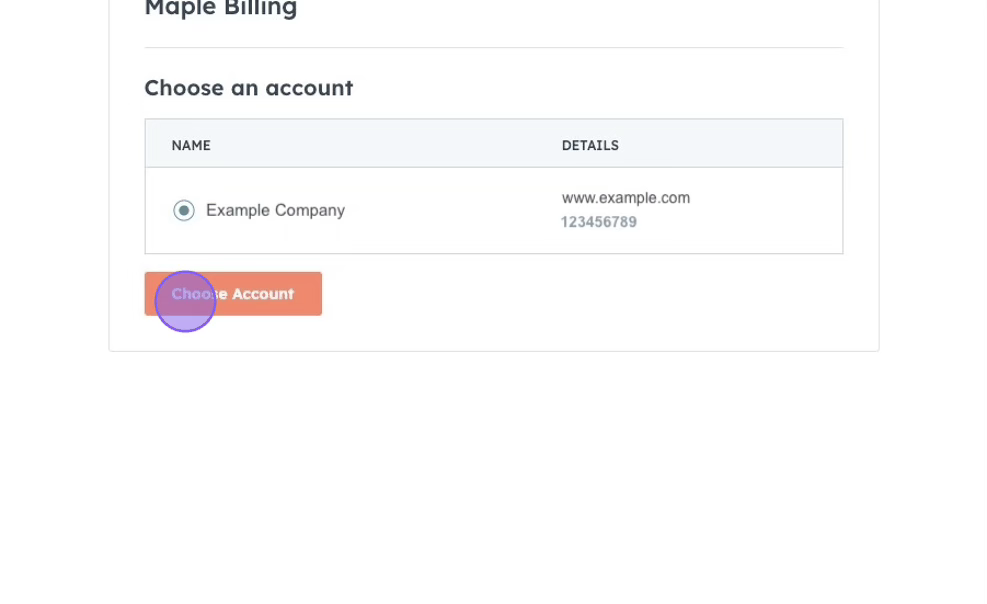
Fill in your Hubspot credentials and select the correct account to connect.
3. Configure Hubspot Integration Settings
In the Hubspot card in Maple, turn on the "CRM" toggle under Features.
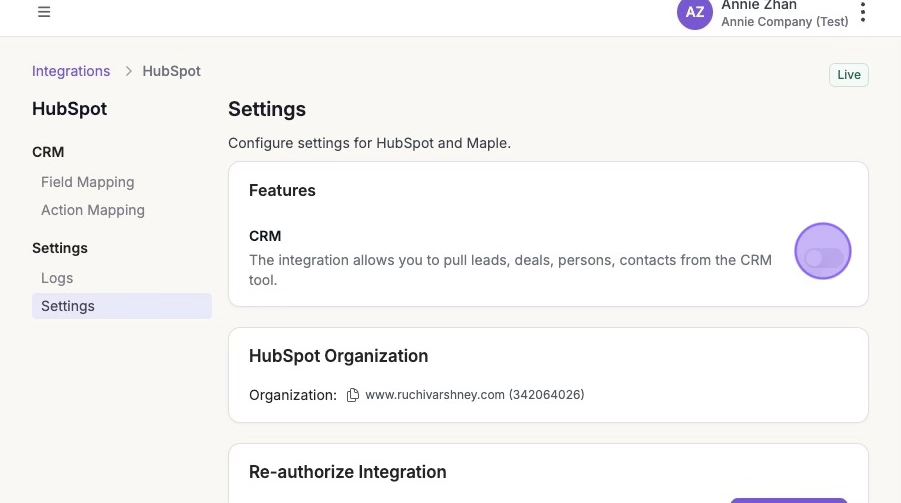
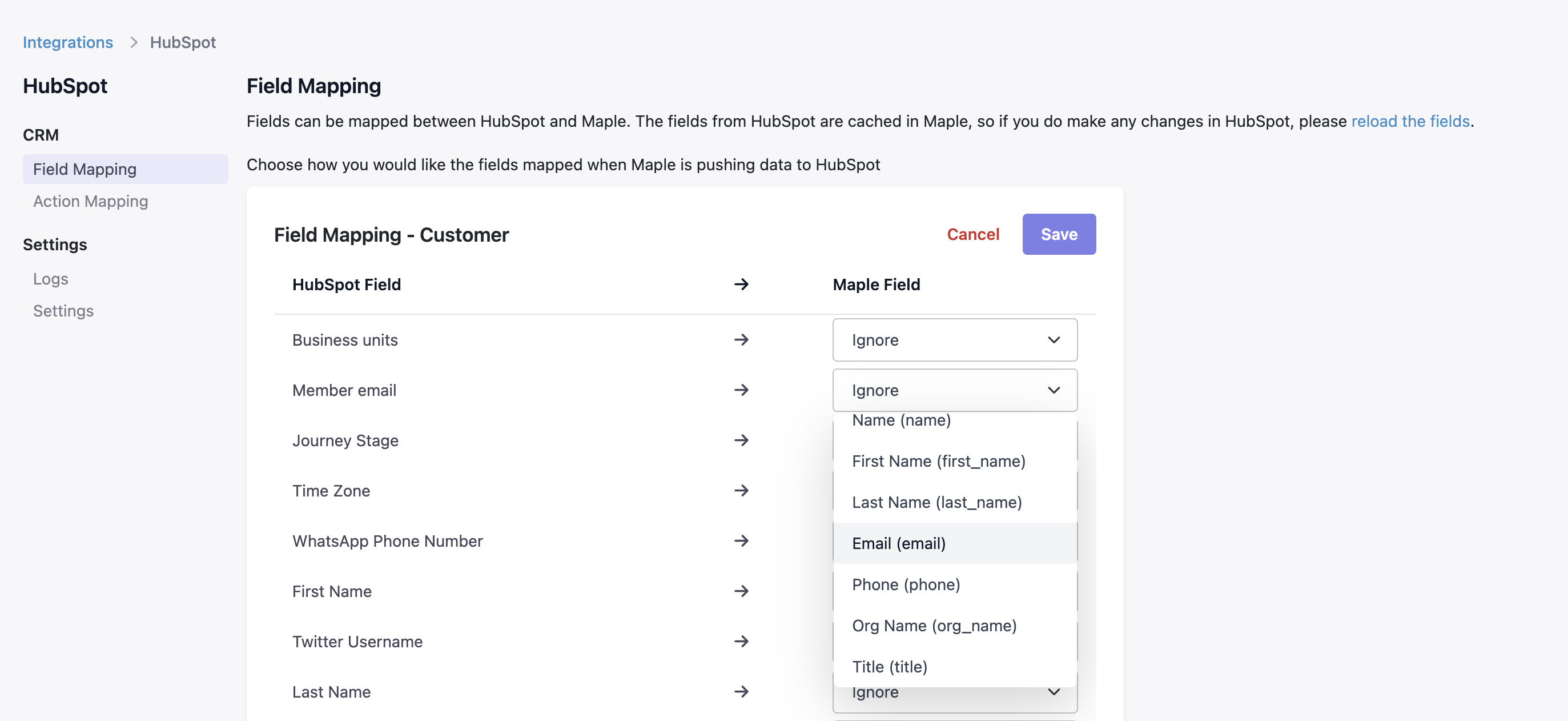
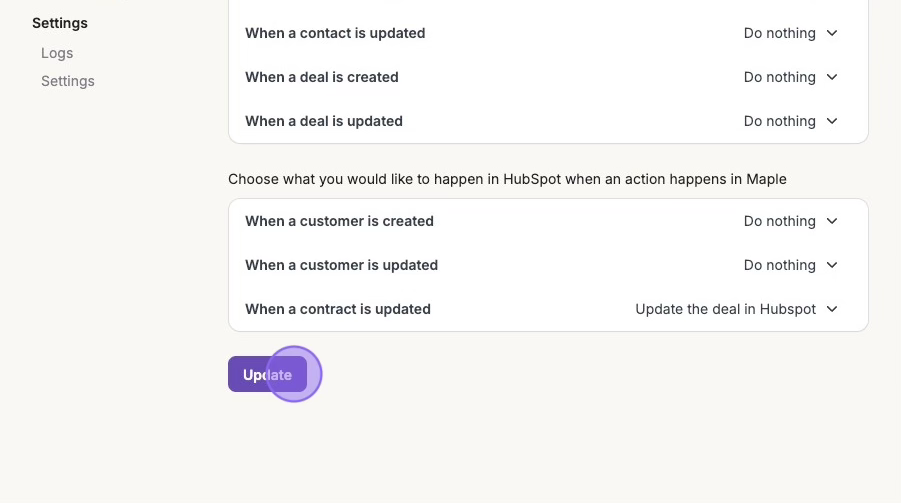
Maple allows for Action Mapping and Field Mapping with HubSpot for a highly customized integration. The Action Mapping determines what happens in HubSpot when actions happen in Maple and vice versa. You can configure either Maple or HubSpot to be the source of truth on the customer or contract information.
Under Action Mapping, we recommend "Updating the deal in Hubspot when a contract is updated in Maple". Be sure to hit Update to save your changes.
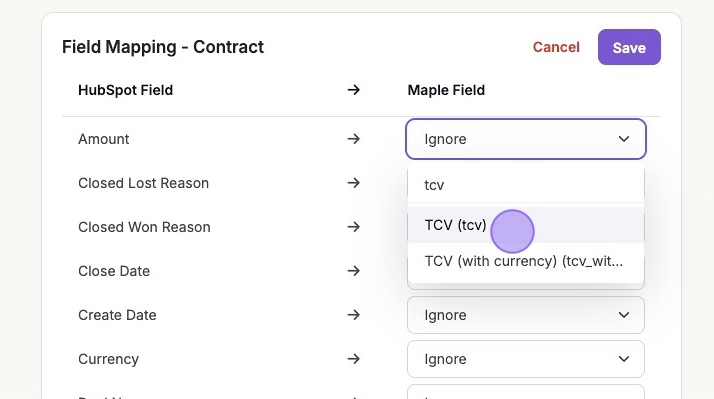
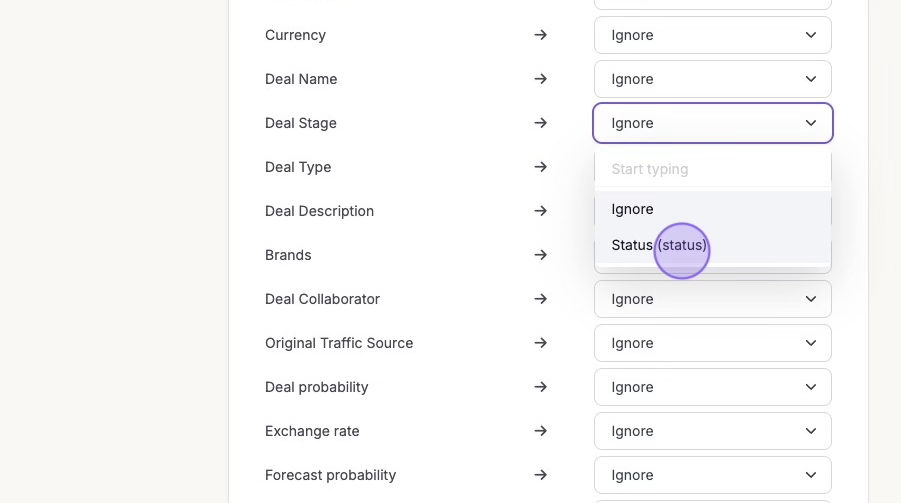
Similarly, you can configure which fields are mapped on customers and contracts in Maple and HubSpot. These are the ones we recommend under Field Mapping:
Amount > TCV
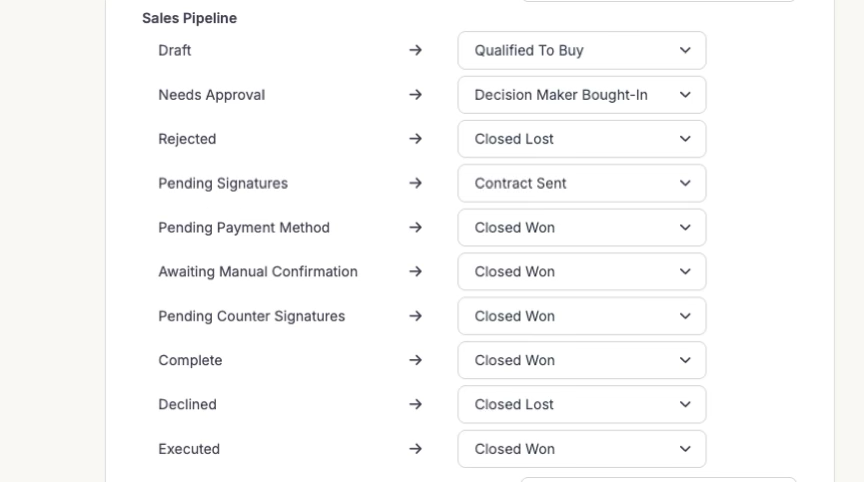
Deal Stage > Status (status): this will allow you to map the different stages of your sales pipeline to specific contract-related actions in Maple.
Remember to click Save to save your changes.